OwnTone Sync
An offline-first Android music player for self-hosted OwnTone servers. Syncs playlists, files, and album artwork to the device for playback with no network, then sends plays, skips, and ratings back to the server on the next sync.
Banner
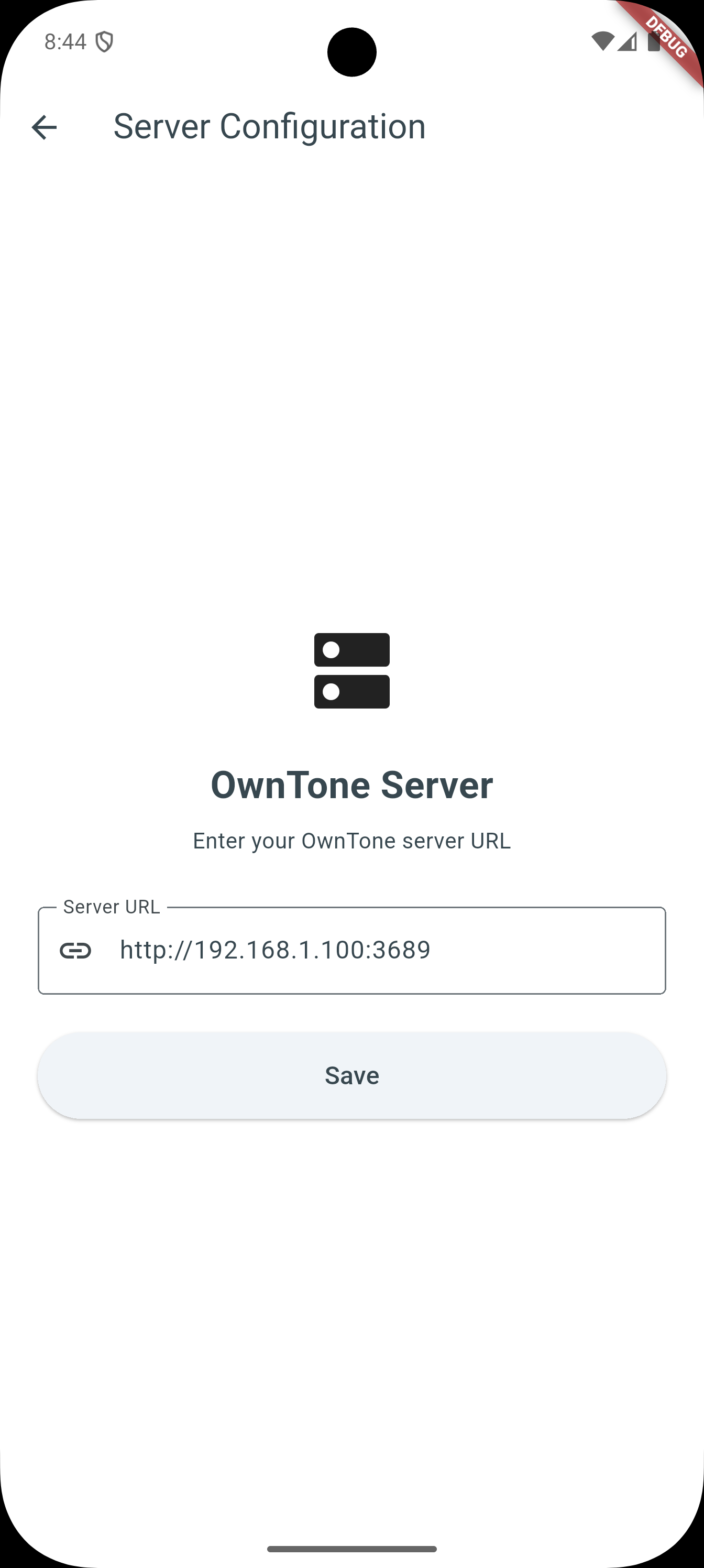
Server Configuration
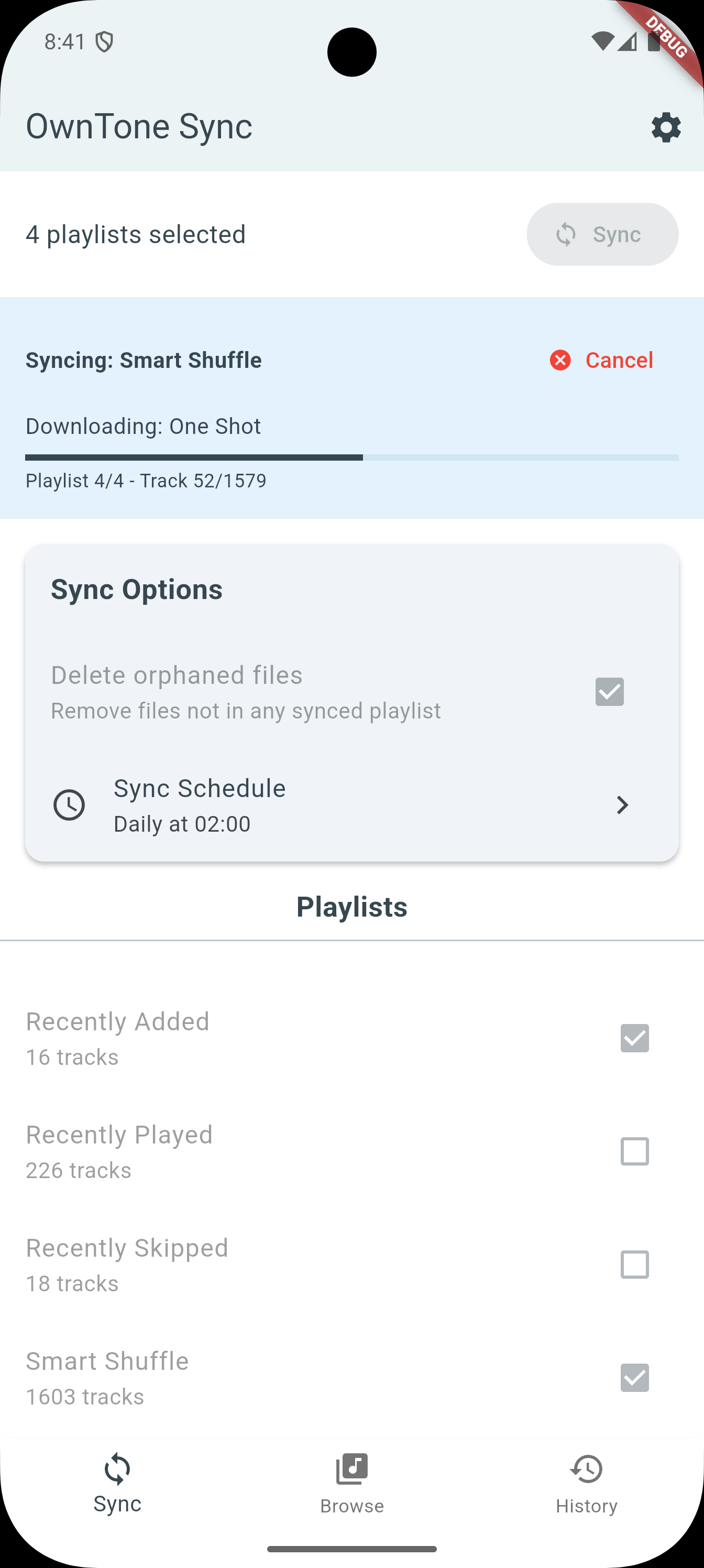
Synchronization Screen
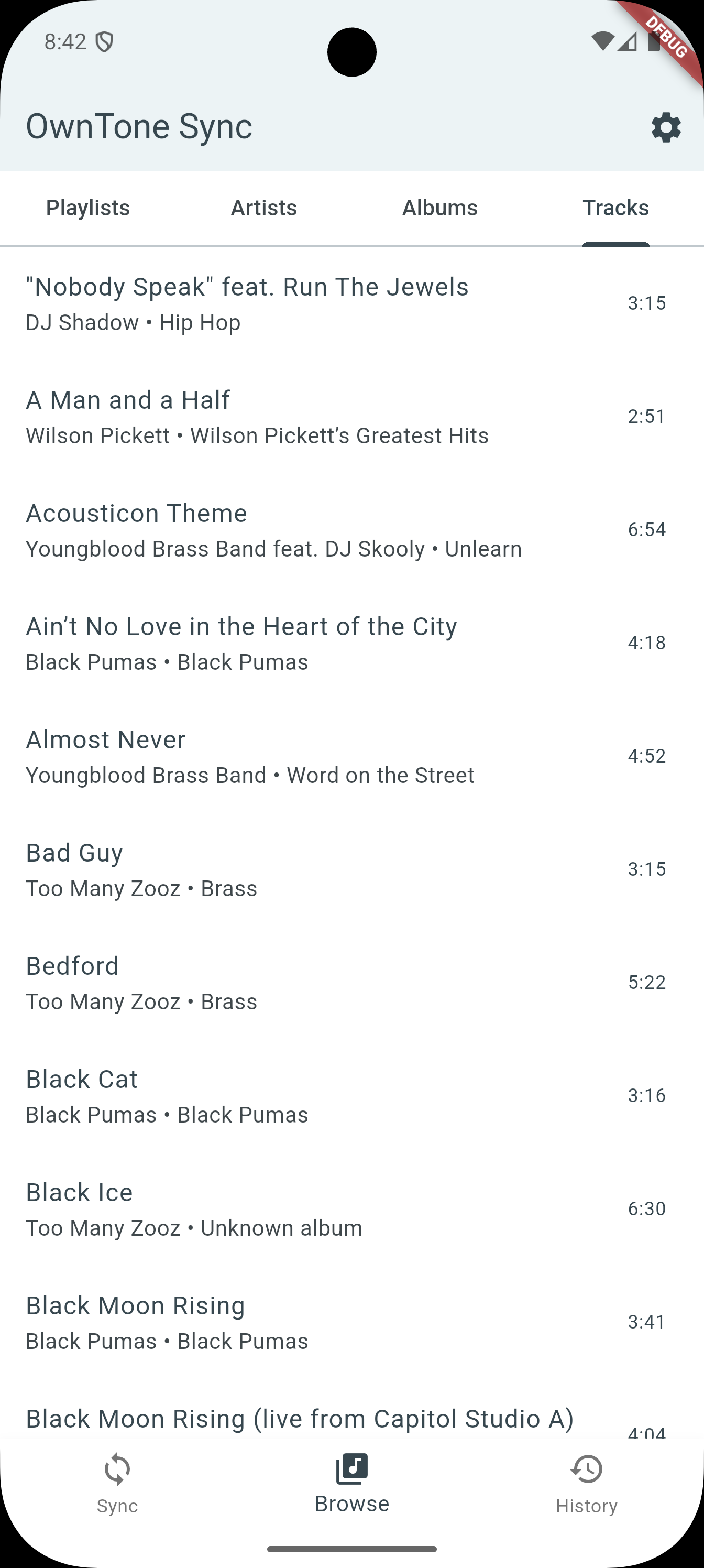
Media Browser
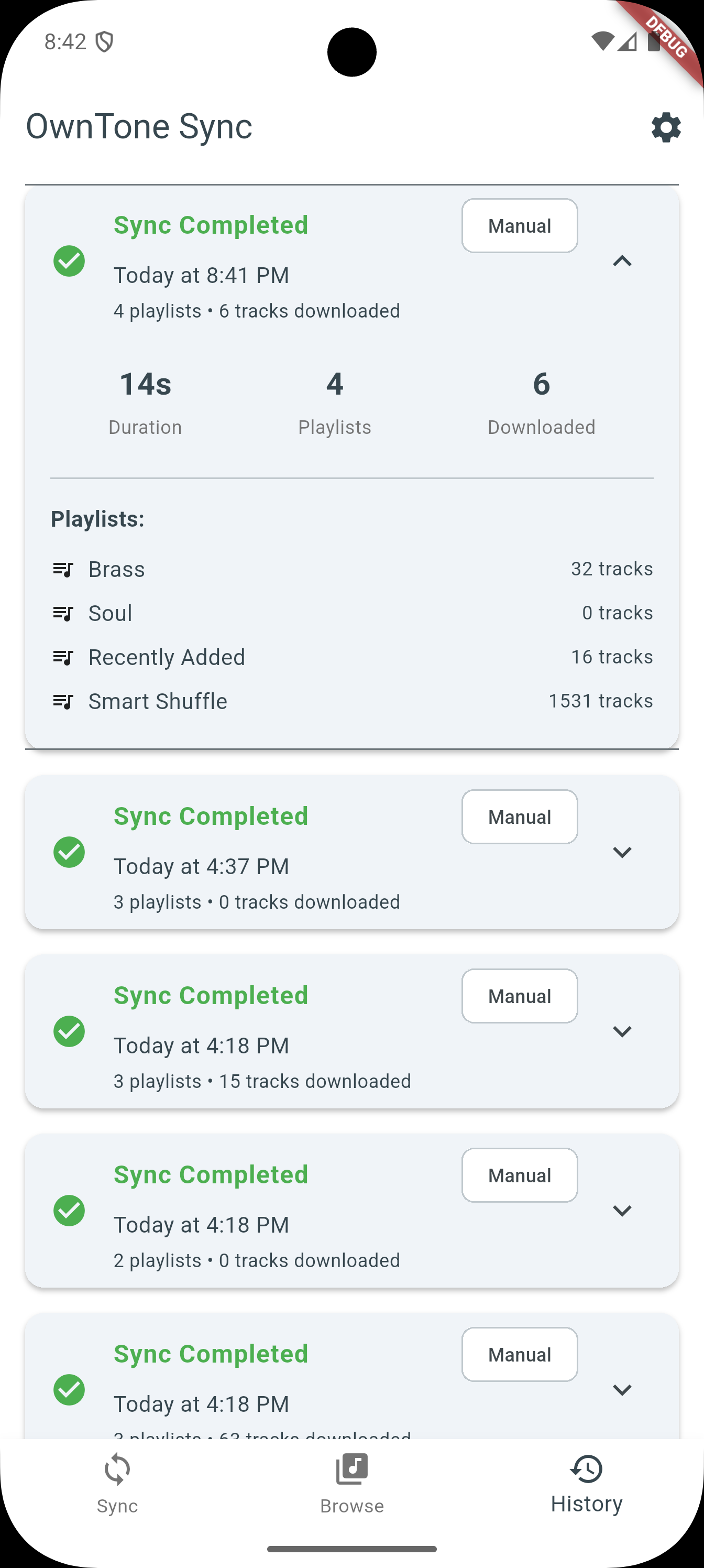
Sync History
Technologies Used
framework
language
platform
database
other
Challenges
The original design kept the queue as a Dart list while the native player was handed a single item, so the player had no concept of "next" — auto-advance, notification controls, shuffle, and repeat were all silently broken by that one mistake. Rebuilding playback so the player owns the queue fixed them all at once. Playing files from a user-granted folder required tree-scoped document URIs under the Storage Access Framework; a bare document URI is refused by Android's permission model with an opaque SecurityException. The app's core purpose — accurate play and skip counts — required replacing notification-scraping, which guessed at other players' activity and was never reliable, with direct measurement: a listening-time clock from the player's position stream, an explicit user-intent signal so a track finishing naturally is never recorded as a skip, and a 90%-or-four-minute play threshold. Finally, the SQLite schema had diverged between fresh installs and the migration chain, silently breaking sync history for fresh installs until the two paths were aligned to produce identical DDL.
Key Learnings
Own each piece of state exactly once: when the queue lives in the player and every screen is a projection of its streams, an entire class of desync bugs disappears. Measuring directly beats inferring — listening time accumulated from the position stream is exact where scraping notifications was approximate. Android's permission model authorises the shape of a URI, not just the location it points at. Two code paths that must agree — the fresh-install schema and the migration chain — will drift apart without something forcing them to match. And background work on modern Android is a state machine to design, not a call to make: a WorkManager job that is expedited cannot also be delayed, one failed scheduled sync used to kill the self-chaining schedule permanently, and the OS will silently postpone anything that looks like it could save battery.
Future Improvements
iOS support (the sync and UI layers are Flutter, the native layer is Kotlin), and deeper playlist behaviour — OwnTone's smart playlists are only as good as the statistics this app feeds them. Two defects remain open from real-device use of v0.2.0: a mislabelled progress counter during the artwork pass, and playback that started on its own after a long sync, which is not yet attributable to app code. Three playback checks — Bluetooth controls, headphone-unplug pause, and extended background/Doze survival — are deferred to real hardware because the emulator cannot honestly exercise them.