i_just_wanted_an_ipod
Have you ever found yourself in one of those situations that feels surreal - like you started with a simple wish, and it quickly spiralled out of your depth?
I certainly didn't expect that when I recently decided to give in to my nostalgia, and treat myself to a cheap, dedicated mp3 player. However, by the time I was through, I had put the device I purchased back into the box, never to be opened again, as if haunted by malicious spirits clamouring to escape and wreak havoc.
Remember iPods? You could open up iTunes on your computer, rip all your CDs to your hard drive, then plug in your mp3 player and load it up with your whole library, or just pick a few playlists. I've always had a love for curating a library of music, and with spotty mobile data coverage and expensive data plans, streaming never really had any appeal to me. Then it turned out that services started to do things like stuff AI-generated music into people's queue, or losing access to songs or artists when licensing agreements changed, and I was even more committed than ever to owning my own music.
So I thought it might be fun to go back to owning a dedicated piece of hardware. Make it sync with my library, then just listen at my leisure. Okay, it was a totally unnecessary purchase, but a cheap little Android device looked like a fun toy to tinker with. I could buy something simple, and not worry too much about breaking it, or losing it, or even accidentally bricking it, because at the end of the day, it's just a toy. I looked online at what's available, and there were several inexpensive Android-based devices available.
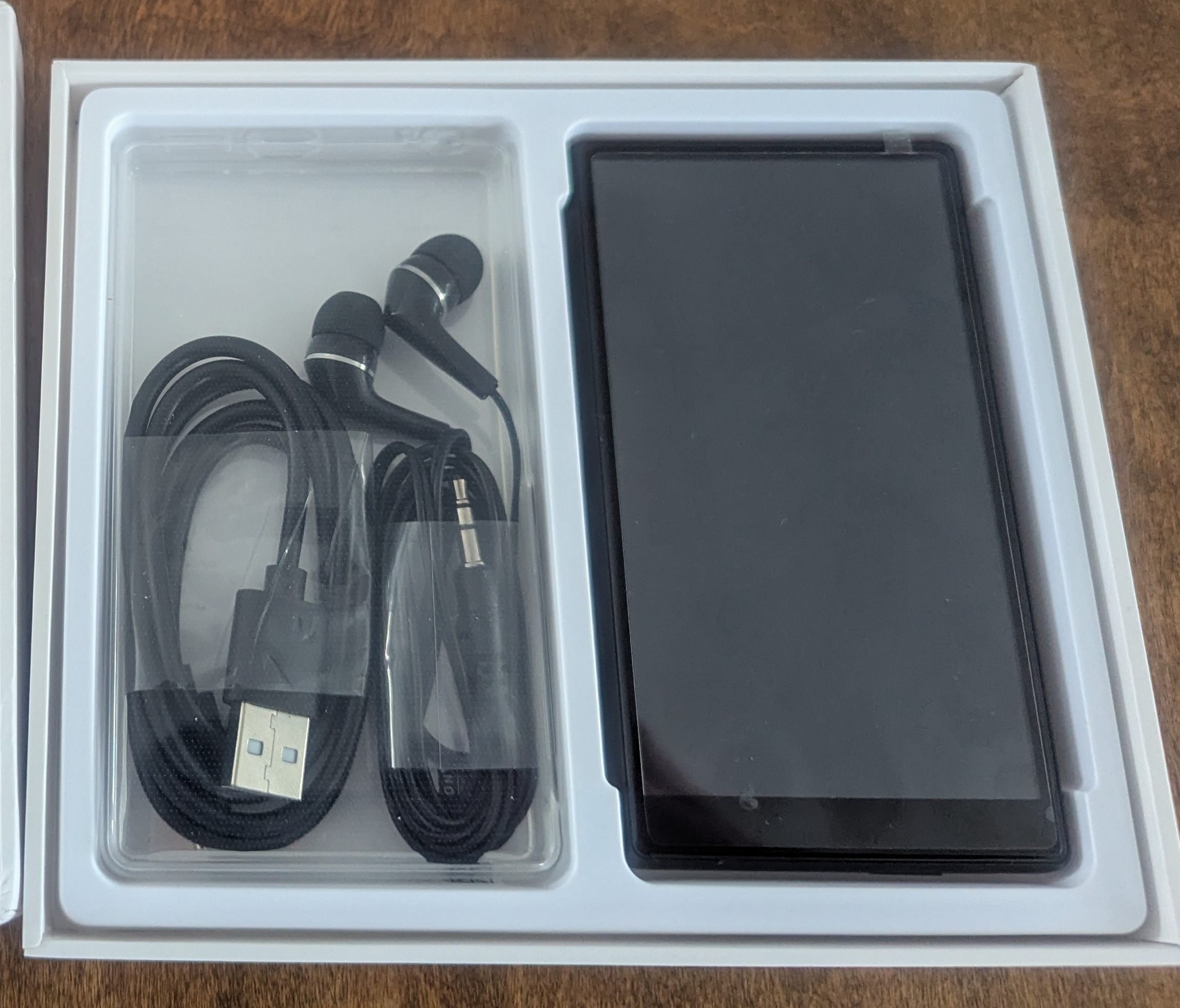
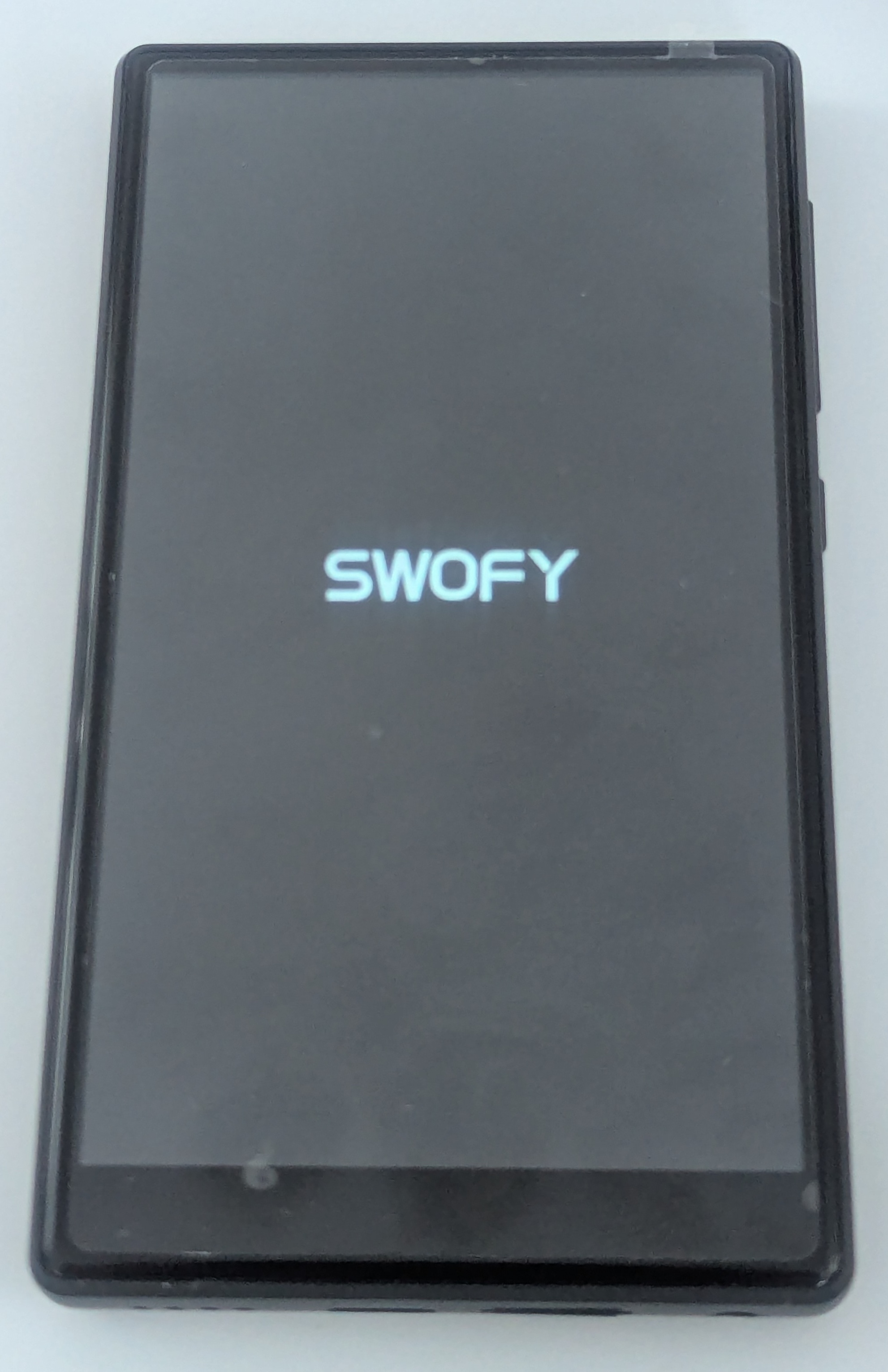
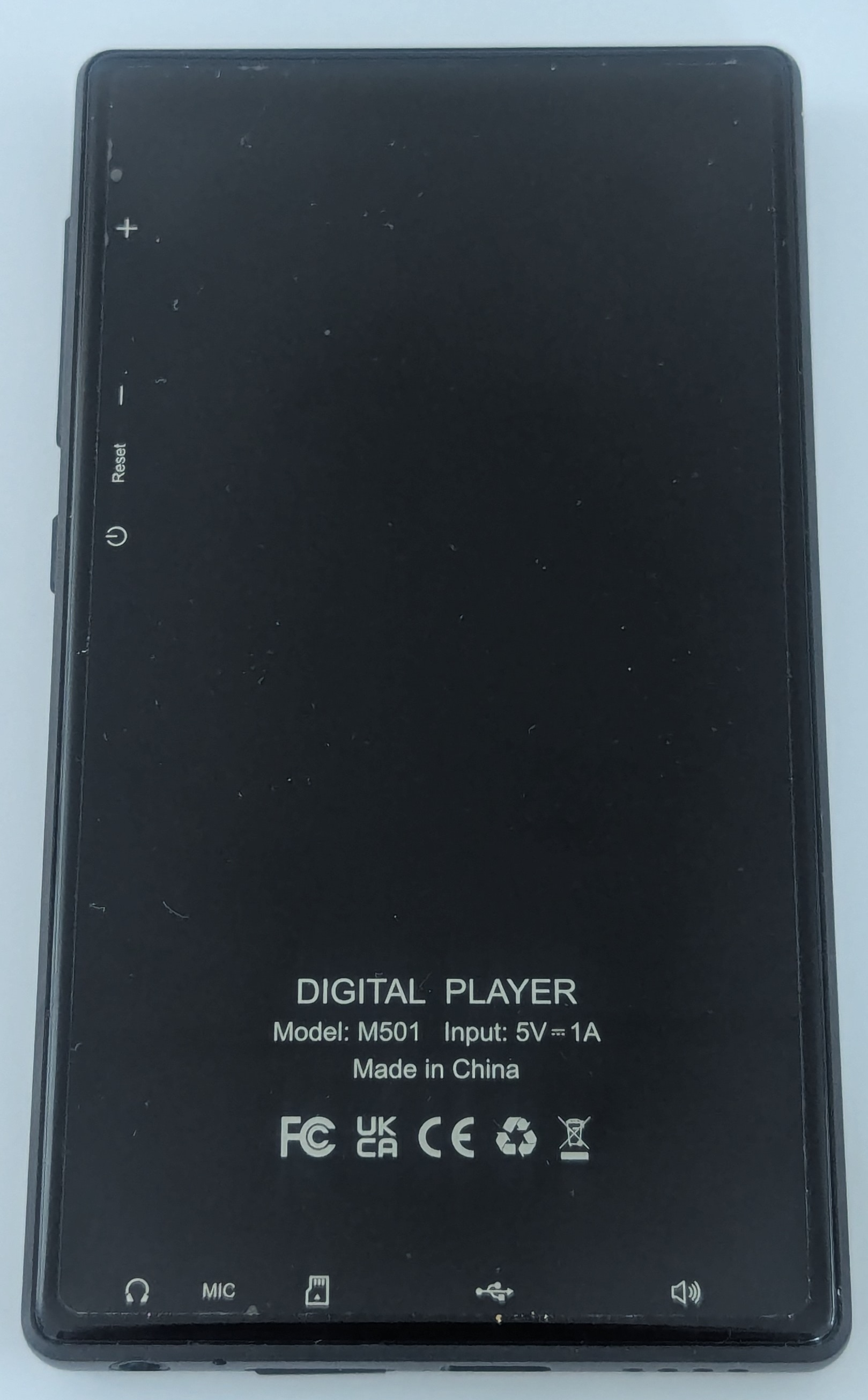
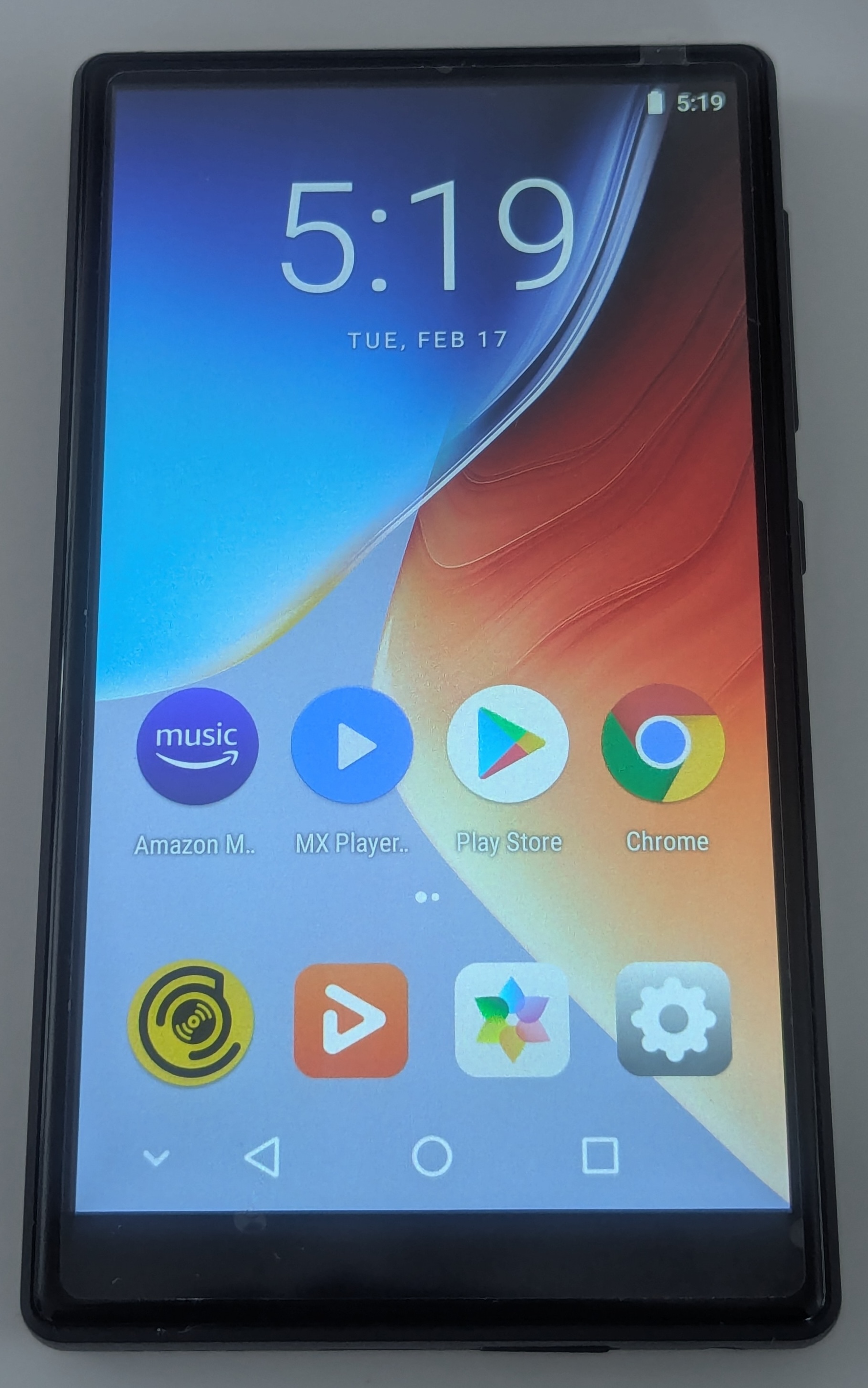
For about 50 bucks, I ordered some oddly named Android 8 device with a small but decent screen, a good sized battery, bluetooth, and wifi. I figured hey, worse comes to worst, I can just flash it with a different ROM and play around. It even came with an included 64Gb MicroSD card, which is great, because that's enough size to fit my entire music collection. So I ordered it, and a couple weeks later, it showed up on my doorstep, looking slick in its modern packaging.
Now, this was where things started to get interesting to me. Because I intended to mess around with the device, the first thing I wanted to do was to “root” and “de-bloat” the OS. For those who don't know, this basically means taking complete ownership over the hardware, and using that elevated permission to remove software from the device, including system-level packages. It's not anything special: Android has had this ability baked in for as long as it has existed, and device owners generally have no restrictions from unlocking the hardware, although it may or may not void the warranty.
You can become a “developer” in Android by turning on developer mode, which basically lets you change settings that are usually hidden. It's really not difficult, there's no hacking involved, and it allows you to configure things like debugging, permission to unlock the device, USB connection settings, and more. Basically, it's like opening the hood (or bonnet) of your phone so you can poke around at all the bits inside.
I'm not an expert, but I have played around with rooting devices in the past, so I knew that the first thing to do was get my computer to talk to the mp3 player over the Android Debug Bridge, or ADB. It might sound complex, but the simple version is literally three steps:
- Turn on the mp3 player,
- Plug it into the computer,
- Open a terminal and type
adb devices
Why bother? Well, the mp3 player came loaded with tons of pre-installed apps that I didn't want. Amazon Music, Spotify, Deezer, and all kinds of things. I wanted to try out “de-bloating” and “de-googling” a device: removing all the preinstalled apps, and getting rid of everything “Google” to go back to a simple device. Later on, I could root the device and try out a different OS, but I would start simple: load up the SD card with my music library, open it in a free music player app installed from the F-Droid app store, and maybe connect my bluetooth earbuds. I didn't want the FM radio app, or the weird file-sharing app with a publisher I didn't recognize. So I opened up Claude in a browser window, and looked up how to list all the packages installed on the system, and to remove everything I didn't want.
I had no idea that adb shell pm list packages would be the thread that, once pulled, would unravel the entire device. What followed was simultaneously fascinating and horrifying: a journey initiated by curiosity and propelled by the growing realization that something was very, very wrong.
Breaking Things on Purpose
Because I like to tinker, I figured I'd just play it fast and loose with this new toy. After all, it's really not much money, I don't depend on it for anything, and I might as well enjoy myself, right? If I do anything too careless, the most likely scenario is that I factory reset the device and start over, and if worse comes to worst, I've bricked a fifty dollar toy. No big deal, so I looked at the list of installed packages from the adb shell pm list packages command, and if it looked unnecessary, I just got rid of it.
Bloat like pre-installed streaming apps, boom, gone. Weird apps I'll never open? Yeet. Telephony? This thing doesn't even have a SIM card! Zap, gonzo.
Then, I noticed that the system crashed. It just had a warning that the UI had stopped, and it would reappear any time I dismissed it. Whoops. Seems I may have been a bit too eager in my tidying, and inadvertently thrown out something critical.
Factory reset. Hey, I always assumed this would be an eventuality, and it's no big deal. Hold down a couple buttons on reboot, pick it from the options, and give it a minute to restore factory settings, and we're back!
This time, it'll be different. Instead of just going full muppet and trashing all the things, I'll take a bit more care, and look at the actual packages themselves to check out what they are. Starting from the same list, most of the names I was looking at were familiar and made sense: com.google, com.android, com.mediatek are all things you'd find on an android device running on MediaTek chips. But then, I ran into a couple that I didn't recognize: com.valmul.defcontainer and com.valmedia.fdelux, but they sounded vague enough to maybe be unnecessary.
Now, I'm no expert, so this is when I lean on some of the most advanced technology available to the modern internet user: a large-language model that can predict the next token of text (a chatbot). Yup, I asked an LLM for help to understand it. Using this tool, I ran adb shell dumpsys package com.valmul.defcontainer and was faced with a wall of intimidating-looking text in response. Buried in all that output is a log I recognize as a professional with over a decade of experience working in software: the word PERMISSIONS.
So I had the chatbot explain this package to me. What does it do, what permissions does it have, who made it, all that kind of thing. This is where things took a turn toward the dystopian.
The chatbot's output indicated that this was a package called “LovelyFonts” that had some extremely odd configuration. It was installed as a privileged system app, and was set to start as soon as the device initiated, before anything else.
That's odd - why would a font need to be configured that way?
Then, it got worse. I looked at the other package: com.valmedia.fdelux
This one was as sketchy as a page in Da Vinci's notebook. Services like “UDownloadService,” “RemoteService,” and “BGService” and actions like “downloadApk,” “downloadJar,” and “downloadAll”
Download all? DOWNLOAD ?? Download what? From where? From whom? I know this isn't just bloatware - this was installed so that someone could do something without me knowing about it. This is malware. And it came pre-installed by default. I don't know a whole lot, but I sure can recognize that a system-protected app that has permission to run in the background to download an android or java or arbitrary file is not something a font would need.
Okay, time to ask the chatbot what the next step is. After all, this is all new for me - we're stumbling around in the dark, and just discovered a big scary shadow, and I have no idea how to look at this any closer. So, it points out a way to dump the apk package and upload it to virus total.
Hey, cool, that seems simple enough! So, I run adb pull to get the packages, and I upload the first one that just looked kinda weird: com.valmedia.fdelux
At first glance at the detection tab, it looks fine. Green text, no flags, okay. Thumbs up, let's go.

But then, I looked at the list of permissions in the details tab, and I saw some serious red flags:
Click to see the full permissions list of horrors
android.permission.WRITE_EXTERNAL_STORAGE android.permission.READ_EXTERNAL_STORAGE android.permission.READ_PHONE_STATE android.permission.MOUNT_UNMOUNT_FILESYSTEMS android.permission.GET_DETAILED_TASKS android.permission.WRITE_SETTINGS android.permission.INTERACT_ACROSS_USERS android.permission.SYSTEM_ALERT_WINDOW android.permission.CHANGE_NETWORK_STATE com.android.launcher.permission.UNINSTALL_SHORTCUT android.permission.INTERNET com.android.launcher.permission.INSTALL_SHORTCUT android.permission.REORDER_TASKS com.google.android.c2dm.permission.RECEIVE android.permission.ACCESS_NETWORK_STATE android.permission.GET_TASKS android.permission.READ_SETTINGS android.permission.GET_PACKAGE_SIZE android.permission.DOWNLOAD_WITHOUT_NOTIFICATION android.permission.RECEIVE_BOOT_COMPLETED android.permission.KILL_BACKGROUND_PROCESSES android.permission.ACCESS_WIFI_STATE android.permission.WAKE_LOCK
This is not the kind of access that a font would need.
Hoooooooooo-kay, let's see what the other one looks like: com.valmul.defcontainer

Okay, this one is flagged as actual malware. I don't know a whole lot, but putting all this together, I know one thing...
It means that I'm not crazy; they really are out to get me. So I'll fight back!
A Classic Blunder
They want to use my device as a part of their botnet? The one I paid for? Not on my watch! Time to strike back with an aggressive strategy: uninstall everything I can, and disable every system app. I will wrestle control over this hardware!
So I have my solution, and I implement:
- Disable those LovelyFont packages that are ultra-suspicious
- Remove Google services and all the related apps.
- Strip out all the streaming apps and other bloatware
- Disable every non-system app that's not able to be uninstalled
Bingo! A bare-bones Android device! I can install the F-Droid app store, load up the SD card with some mp3s from my collection, and listen in Vanilla music player, and it works! Music playback, no spyware: mission accomplished!
Except...
When I listen to a song on an Android device, there should be a notification that shows up. There should be playback controls on the lock screen. There's a whole media service layer on Android that apps hook into so that this kind of thing is just easy. So, I try another music playback app, and check. Same thing.
A typical person would never notice anything wrong.
Okay, normally this wouldn't be all that interesting. However, I've been learning about this stuff while building a Flutter app. I can look at how this mp3 player is behaving, and I think to myself "but that's not how this is meant to work." Something's up, but I don't know what.
Time to dig even more.
Working with the chatbot's output, I run adb shell dumpsys notification to look into the notifications, when I spot something odd. There's a number of notifications that have been created by the app, but the number "posted" (or displayed) always stays at zero.
So the notifications are being created, queued, and then going... away? Wherever they're going, it's not to the user.
So I use adb logcat to capture the logs while triggering a notification. Again, this is still using just a basic Android debugging tool - I'm not hacking anything! I look at the logs, and I see something that I can tell is related to my "Vanilla Music Player" notification: I kentestTag: pkg:ch.blinkenlights.android.vanilla channelId:Playback
What does it mean? I have no idea. But I can tell that it's a notification coming from Vanilla trying to post a notification about playback. But what is kentestTag:?
I notice that every time I see kentestTag in the logs, it's followed by TelecomManager: Telecom Service not found. Okay, the device doesn't have a SIM card slot, so why does it need a telecom manager? Test tag? Is this some kind of left-over debug log from development that someone forgot to remove? The pattern here is troubling. It tries to log something about a notification, and then immediately complains about unavailable telecommunications.
That makes my skin crawl. So I look for more info about this Ken and his test tag.
The chatbot doesn't know. Web search results don't appear to know. I sure don't know.
But we can find it mentioned in the /system/framework/oat/arm64/services.vdex file. What does that mean? Well, here's where the chatbot indicated some serious concerns.
The smoking gun: kentestTag isn't an app. It's compiled into Android's NotificationManagerService — the operating system itself was modified before the device shipped.
This is part of the core Android framework. Not an installed app. Not a piece of malware. This is baked in from the source! It's like a drink poisoned with iocaine powder in a game of wits - intended to be completely indetectable, immediately effective, and utterly lethal.
Inconceivable!
I thought I had won, outsmarted my opponent, and pulled off the ultimate triumph.
I found and disabled the malware. I remove the malicious code. But in doing so, I discovered that notifications were suppressed by a modification to the core operating system. Notifications get created, but then something that needs access to the network crashes when it can't access it.
The implications are chilling. This gives a remote operator the ability to use the LovelyFonts package to download and run code in the background. It can access and store data anywhere, including the external storage. The notification modification ensures that any notifications that might alert me can be suppressed. So any arbitrary malware can be created anywhere, sent to my device, and run without my knowledge. It doesn't attack me, it uses me to attack anyone.
This isn't just some buggy software. This is purpose-built surveillance infrastructure baked into the device before it shipped to me. There's no way to make this firmware safe to use.
So maybe I can find a different firmware that is safe?
Is anything safe? Maybe if I can find something created by the community, I can take back control of this cool piece of hardware.
This Should Be Easy
I've flashed a custom ROM to an Android device before, this should be easy!
Well, okay, I know how to look up how to flash a custom ROM. LineageOS, Graphene, this is a popular hobby, people do this all the time, it's got to be possible, right?
So I check the usual places online. XDA Forums. GitHub. Some really sketchy .ru domains. Nothing for the brand name on the box. Nothing for the other brand name that shows on the boot screen. I dig deeper and discover that the hardware is actually just a reference design from a totally different manufacturer. I search for that device, still no custom firmware. No recovery image. No boot image. No partition table.
Just the manual. So many links to the manual, each more suspicious than the previous.
Okay, if I can't find a custom ROM, maybe there's a stock ROM I can use. After all, there should be a way to flash the Android Open Source Project base OS, right? Right?
Where did everyone go?
I look on the manufacturer's site. They have a support section for my device! That page has a downloads tab! The downloads tab has firmware links!
Each link is 404 - dead. Nothing. No results.
So there's no plain firmware. There's not even a reference. There's no way to get rid of the malware that's baked into this device.
Well, chalk that fifty bucks up to a lesson learned. Back in the box this thing goes, never to be connected to a network or account.
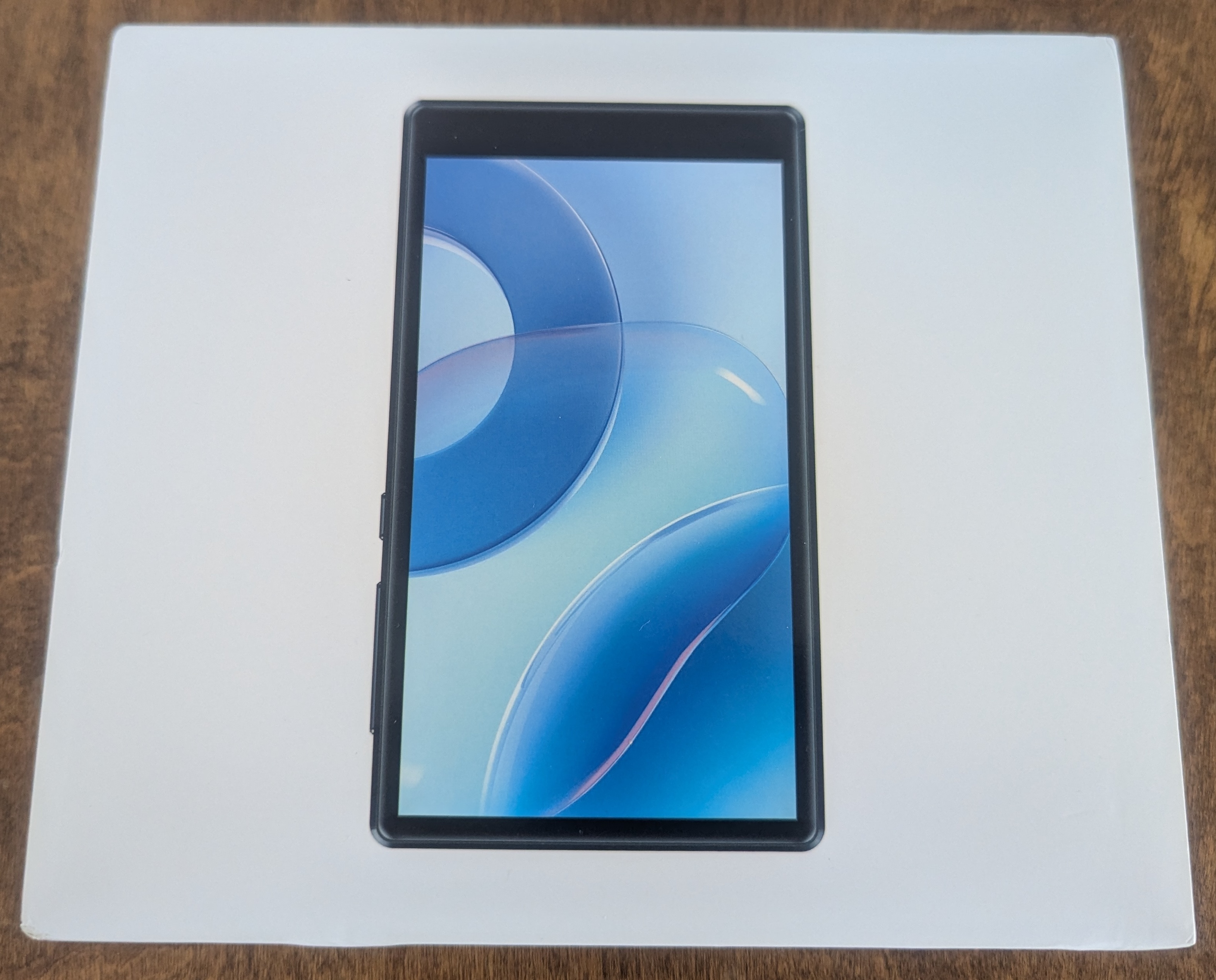
But what lesson did I really learn here?
Bad For Shareholder Value
The Economics of Exploitation
This all started with a simple goal: I wanted a piece of hardware that would do what I want. Load up music, play it back, and be a fun toy to experiment with. A piece of technology that I can pay for, own, and do what I want with. But it turns out that's not really a thing that you can just buy anymore.
And it's easy to contain this lesson to this one experience. After all, I bought a fifty dollar device from a random online retailer, why wouldn't they install malware on it? They can sell the hardware to me. They can sell access to my network to anyone who'll pay. They can sell my data. The economics demand exploitation for maximized profits.
The Uncomfortable Question
Which forces me to ask myself the question: if that's the case, then why would I expect anything different from the mainstream providers? The companies I've got embedded throughout my life? They have exactly the same motivation, and much deeper level of access. They have a huge PR budget, teams of lawyers, and a history of violating the public trust.
So what reason is there to trust any of these companies?
What We Had
It used to be possible to buy a digital track, and buy a device on which to listen to it. There was a transaction: you exchange money for goods, and put them on hardware that you own and control.
Now the hardware we can buy will connect to remote servers, share as much of our data as they can mine, and be a device for continued exploitation. Hardware only works for as long as the vendor keeps the servers running. Digital media purchases disappear when license agreements expire. The transaction is now exchanging money for access; we no longer own, we are only tenants on the internet.
So I'm left with an unusable mp3 player that's back in its box, and a phone that I'm dependent on but can no longer look at without suspicion.
The Real Cost
We're in a world that racing toward technological fiefdom as fast as the oligarchy can manage. There's no going back to the time when your device just did what you wanted, and it's not because we can't build them. It's because we can't trust the companies who do.
A trustworthy technology is bad for shareholder value.
Technical Appendix
Technical Details
Board: k53v1_64_bsp
Manufacturer: alps (MediaTek reference design)
Chipset: MediaTek MT6753 (octa-core ARM Cortex-A53)
Android Version: 8.1.0 (API Level 27)
Build Fingerprint: T03S/T03S/T03S:8.1.0/O11019/1609328566:user/release-keys
Build Date: 2023-07-25
Firmware Label: SWOFY
Known Affected Products:
- Devices using the k53v1_64_bsp reference board
- Any device with build fingerprint containing "T03S"
- Various white-label MP3 players using this reference design
- Anonymous Android 8.x or 9.x mp3 players from random online retailers
Malicious System Packages:
com.valmul.defcontainer (LovelyFontContainerService)
- SHA256: 101479abaf20a5bbb1de41f24c89f5882b5ee7ce4c916acde8ac97eb95f58d4b
- Location: /system/priv-app/LovelyFontContainerService/
- Runs as: UID 1000 (system privileges)
- VirusTotal Analysis
- Detection: 0/66 engines
com.valmedia.fdelux (LovelyFonts)
- SHA256: 506b4cfa241ad60dcc6503975db946755fd1394a3bd33ccceee4e5326b03bd95
- Location: /system/app/LovelyFonts/
- Runs as: UID 1000 (system privileges) VirusTotal Analysis Detection: 2/68 engines
Framework Modification:
- File: /system/framework/oat/arm64/services.vdex
- Evidence: Custom notification filtering code identified by log tag "kentestTag"
- Effect: Notifications created by apps are silently dropped before being displayed to user
Malware Capabilities:
- Auto-starts on boot (BOOT_COMPLETED receiver, priority 1000)
- Remote code execution (downloads APKs, JARs, arbitrary files)
- Plugin loading system for dynamic code execution
- Network monitoring and package installation tracking
- Reports to gambling platform SDK (com.excelliance.kxqp.platform)
- Full system privileges (UID 1000)
What You Can Do:
Limited mitigation is possible:
- Disable packages via ADB:
adb shell pm disable-user --user 0 [package_name] - Remove network access (offline use only)
- Do not connect to WiFi or pair with Bluetooth devices that have network access
- Do not sign into any accounts on the device
- Consider device permanently compromised - no custom ROM available for this hardware
Full Research Materials: Complete forensic dumps, package analysis, and investigation notes available at: https://github.com/jptrsn/mt6753-k53v1-malware